
Club Studio
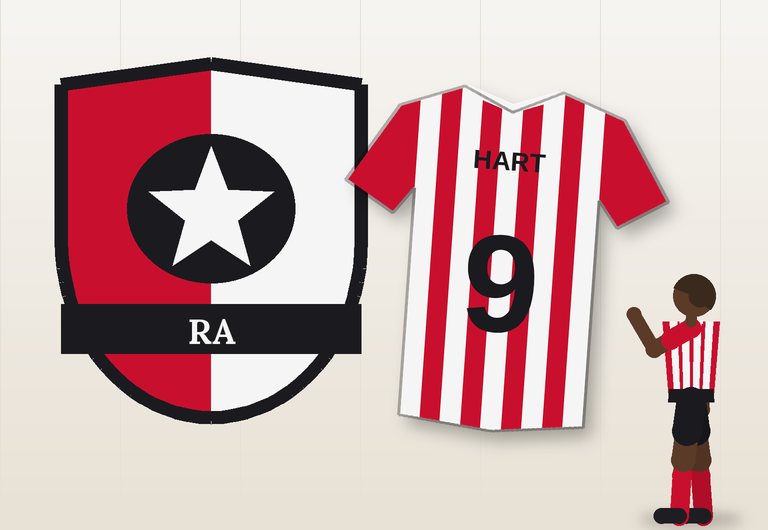
Start with the Club tab, then move on to Crest and Kits. Everything you change appears at once in the preview. Not sure where to start? Press 🎲 Surprise me.
Opening the studio…
Tips
- Choose three colours that look good together – a main colour, a second one and a darker detail colour. The palettes are a good start.
- Keep the crest simple. The best crests are easy to recognise even when they are tiny.
- Check the number contrast message on the Kits tab: a number must be readable from far away.
- Press Save this club in “My clubs” to keep a design, and use Download all clubs to make a backup.
All clubs in Club Creator are fictional. Please do not copy the crests or names of real clubs.